

Authoring tool for
SAP software
Easily create step-by-step guides and documentation of any process.
Capture workflow
Customize each step
Export to Library
Make available to users
Reports and statistics
Key features
Highlights
Espresso Tutorials and Folge are the perfect solution if you want to quickly and easily provide your users with custom learning content
Capture workflow
Work with your applications, websites or any other process. Folge automatically captures your work and takes screenshots on each mouse click.
Edit and Customize each step
Rearrange your steps, remove and add new ones. Add title and description to each step and communicate on step image using one of 9 annotation tools.
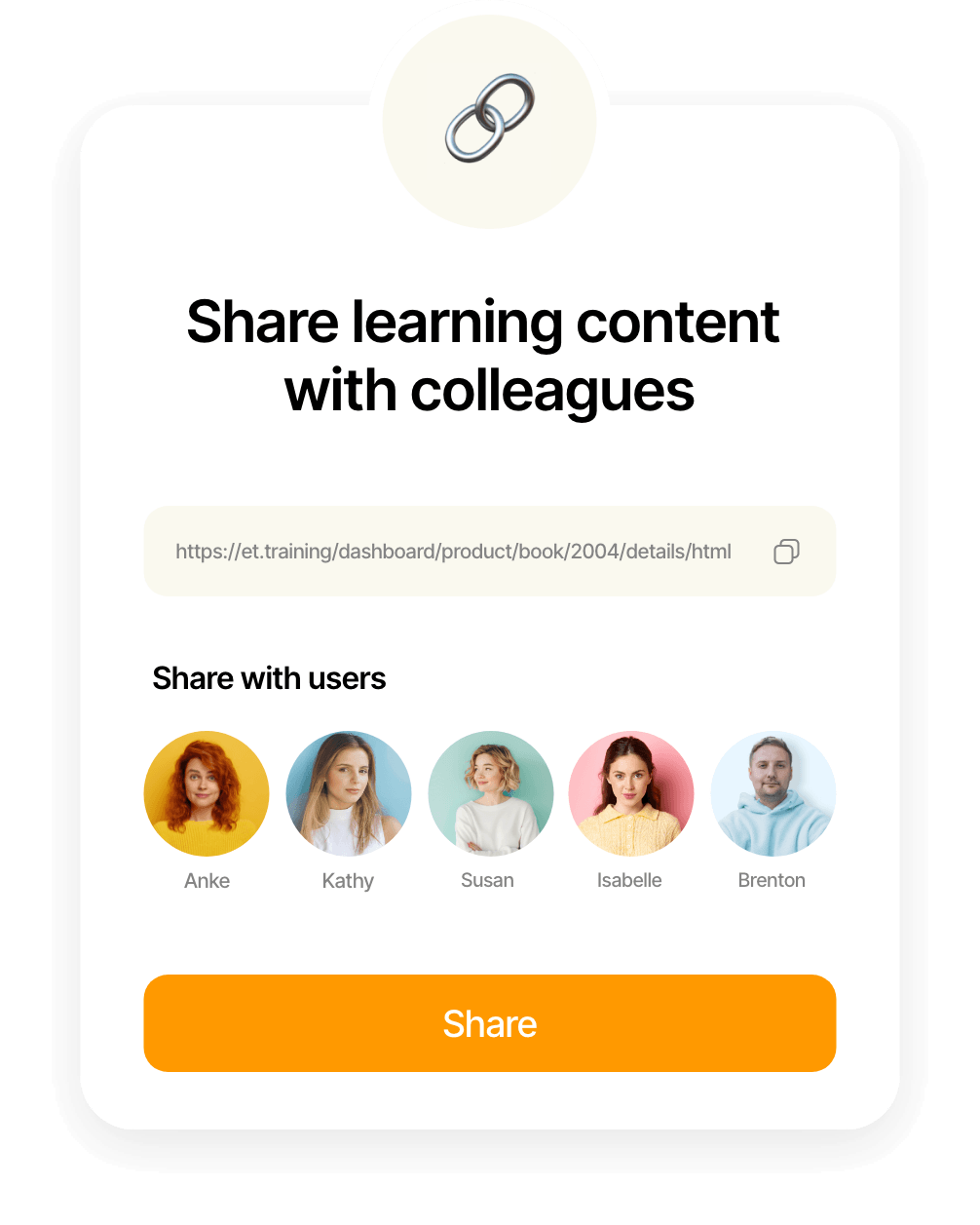
Make available to users
Make your own content available to your users through the Customer Center. You can integrate it into learning objectives and learning paths or offer it directly as standalone learning content.
By combining it with our SAP learning content, you can provide your employees with the best possible learning experience.
Export to learning platform
Once you are done with customization, export your guide directly to your Espresso Tutorials account.
Reports and statistics
Through the Espresso Tutorials Customer Center, you can access detailed statistics on how your users are engaging with your learning content.
Testimonial
“The multilingual, professional, and well-structured media on SAP basics are ideal for training our new employees.”

Samuel Gonzalez
Managing Partner - ConVista Consulting AG
Use case
A simple workflow with optimal results
Create and publish your own training content for your employees in 4 easy steps.
Features
- Smart Trigger System
- Flexible Capture Modes
- Automated Annotations
- Pause & Resume Anytime
- Sequence or Single Shot
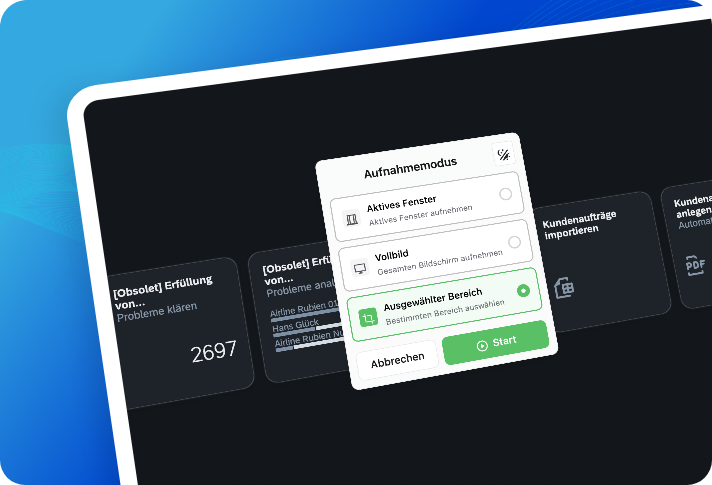
Never Miss a Step. Capture Everything Automatically.
Folge watches while you work, capturing every click, window, and detail. Focus on your task – we'll handle the documentation.
Features
- Drag & Drop Organization
- WYSIWYG Rich Text Editor
- OCR Text Extraction
- Step Status Tracking
- Multi-Image Steps
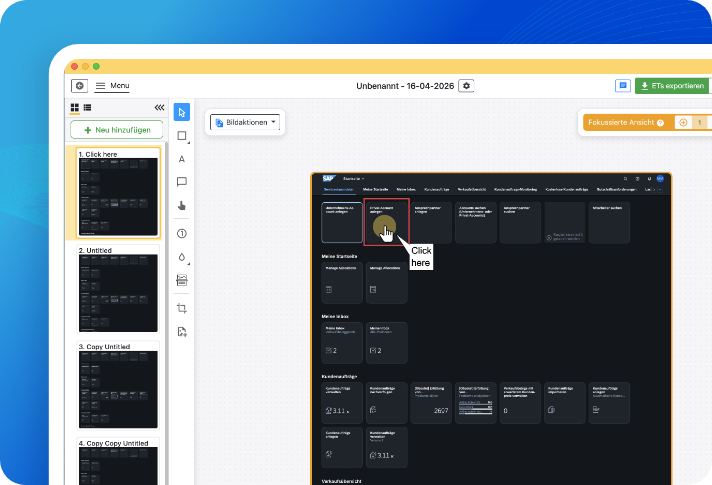
Edit Like a Pro. No Learning Curve Required.
Three-panel workspace: Steps List, Image Editor, and Properties. Everything you need, exactly where you need it.
Features
- Direct Integration via API
- Update content any time
- Secure Storage
- Additional export formats
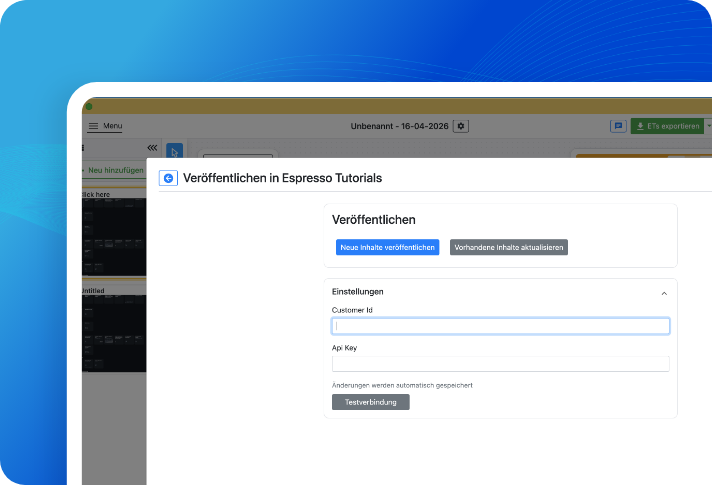
Direct Espresso Tutorials integration
Folge integrates directly into our Espresso Tutorials Customer Center for seamless content publishment.
Features
- Available only for your users
- Easy to use interface
- Bookmarks & Favorites
- Usage tracking
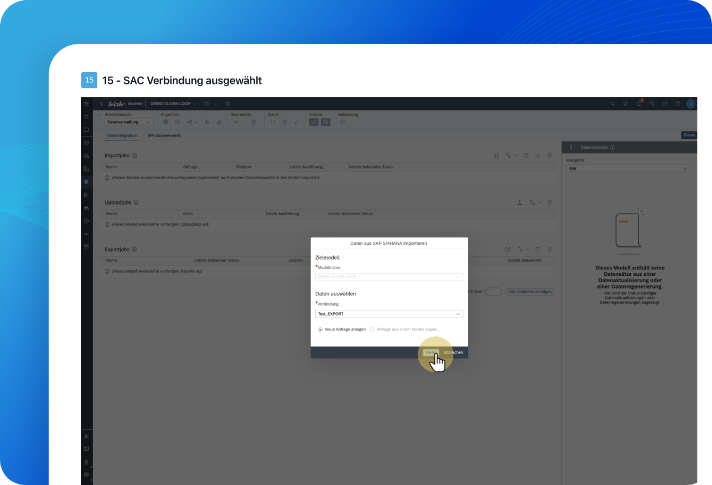
SAP learning platform
Your users can access the content directly on the SAP Learning Platform. Assign the content to learning objectives and learning paths. You can always access detailed usage statistics through the Customer Center.
We need the following data:
Customized offer for our SAP Learning Platform
Contact us and get a customized quote.
Immediate offer
Receive a quote within minutes.
Free trial
Free 14-day trial for up to 10 users.
Contact us

Let me help you
I would be happy to provide you with more detailed information about our digital subscription offers and the SAP Learning Platform. Contact me for tailored solutions for your learning needs and to start planning the next step in your SAP training journey.
Jörg Siebert
CEO & Founder